
The ‘My Child at School’ app (MCAS), makes it easier and more convenient than ever for parents to keep up to date with school’s communication.
We operate a paperless and cashless system in school, with all bookings and payments being made through the MCAS app – available 24/7 to fit in with every parent’s lifestyle. The easiest way to use MCAS is through the free parent app; however, there is also a website version.
Via the MCAS app, our parents can:
- View their child’s attendance
- Update parent/carer consents and permissions
- Book and pay for breakfast club
- Give online permission and pay for trips and workshops
- Give online permission and pay for after school club
- Book Parents’ Evening appointments
Need Further Help? Scan the QR Code 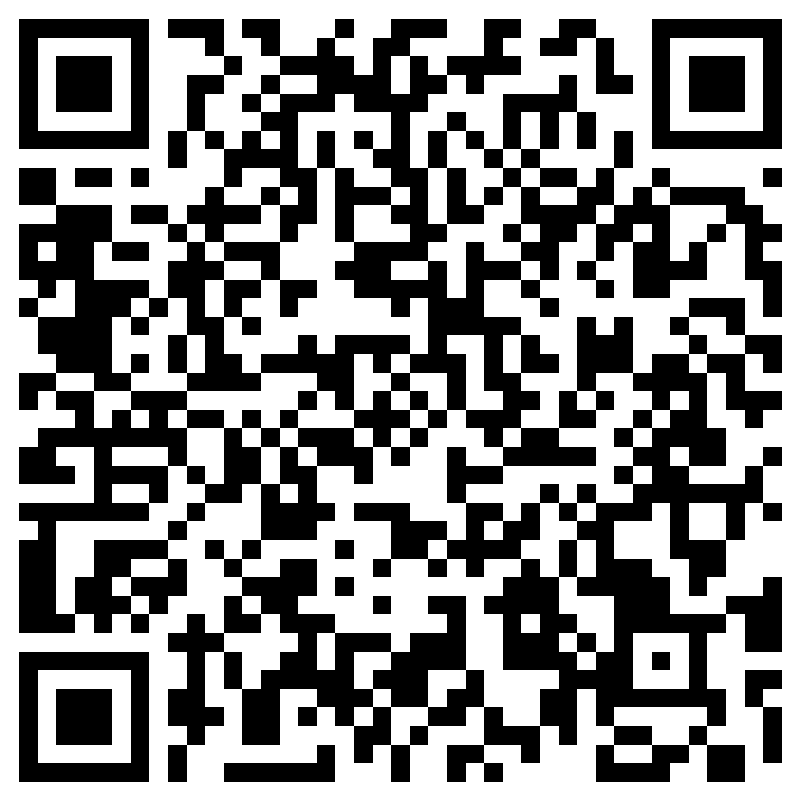
If you are unfamiliar with MCAS, Bromcom have provided a parent/carer guide
MCAS Article for Parents/Carers
Forgotten Your Password?
The Academy School ID is 13489.
Please click here to reset your login password.
 Our Facebook page can be found by searching @LeeBriggWaterton
 Our Instagram handle is @watertonlbi
Summer Holiday Posters, Events and Info for Parents – 2026
Parent Meeting Powerpoints
Nursery Welcome Meeting – June 2026
Reception Welcome Meeting – June 2026
KS1 Parent Curriculum Meeting – July 2026
2026/2027 Newsletters
Executive Headteacher Half termly Newsletters
Click here for our Online Safety Monthly Newsletters